Healthcare apps may handle highly sensitive personal information. Build privacy and security into the product from the beginning: use appropriate access controls, encryption, secure authentication, and audit trails. ABDM’s guidance for compliant health-management systems highlights these safeguards and alignment with its Health Data Management Policy.
Collect only the information the app needs, explain why it is being collected, and make permissions understandable. Work with qualified legal and security professionals to assess the organization’s specific obligations; a feature checklist alone cannot establish compliance.
Patients may have different levels of digital confidence, different devices, or different language preferences. Use clear labels, readable text, straightforward navigation, and helpful error messages. For Pune audiences, consider whether Marathi, Hindi, and English support would make the experience more welcoming.
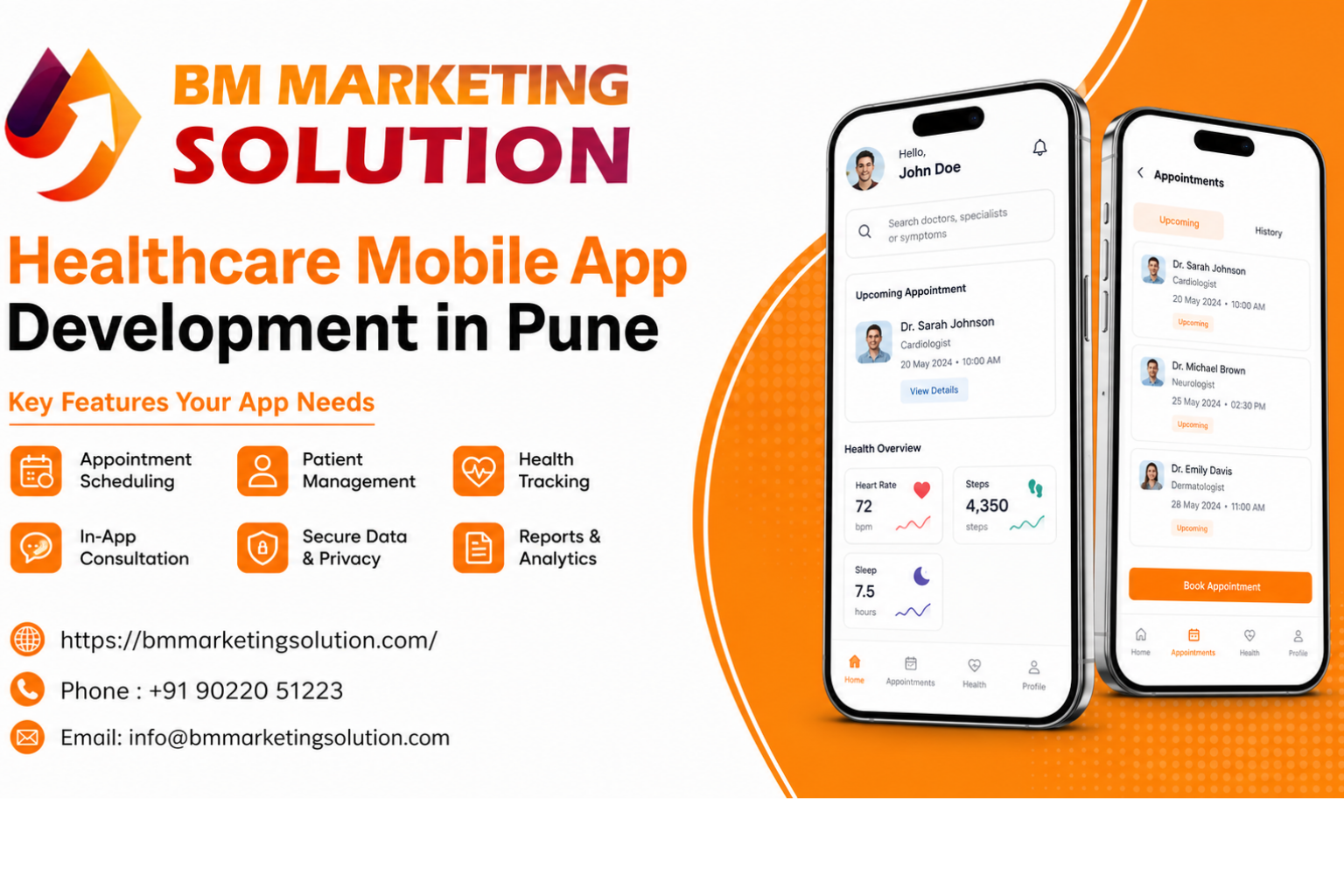
Healthcare in Pune is changing quickly. Patients want convenient appointments, easier access to doctors, and a simple way to manage their health information. For hospitals, clinics, diagnostic centers, and health-tech startups, Healthcare Mobile App Development in Pune offers an opportunity to improve patient experiences and simplify everyday healthcare services.
A well-designed mobile application can help patients book appointments, access medical records, receive reminders, and connect with healthcare professionals. Choosing the right Healthcare App Development Pune solution also helps healthcare providers manage daily operations more efficiently. However, a successful app needs more than an attractive interface. It should solve real patient problems, support healthcare teams, and protect sensitive medical information.
Businesses looking for Medical App Development in Pune should focus on practical features, secure data management, and an easy-to-use design. In this guide, we explore the key features your healthcare mobile app needs to deliver a convenient, reliable, and user-friendly healthcare experience.
Make it simple for patients to find a doctor, check available time slots, and book or reschedule an appointment. Useful options include searching by specialty, clinic location, language, and availability. Automated confirmations and reminders can help patients remember upcoming visits and reduce missed appointments.
For healthcare teams, an appointment dashboard can make it easier to manage schedules, cancelations, and patient requests. The goal is to reduce unnecessary calls while keeping the booking process clear for everyone.
Video or audio consultations can help patients connect with a clinician when an in-person visit is not practical. Consider including secure video calls, a way to share relevant reports, and a clear summary of next steps after the consultation.
The app should also make it clear when a digital consultation is not suitable for example, when a patient needs urgent in-person care.
Patients appreciate having prescriptions, lab reports, discharge summaries, and visit histories in one place. A well-organized records section can make it easier to find information before an appointment or share it with a healthcare provider when needed.
Plan carefully for who can view or share records, and how consent is handled. Where it fits the organization’s needs, consider ABM-aligned integration to support interoperable, consent-based health information exchange.
A reminder feature can help patients keep track of medicines, follow-up appointments, and recommended tests. Let users set their own preferences for timing and notifications, and make it easy to update or switch off reminders.
Keep the wording supportive, not alarming. Reminders can assist patients with their care routines, but they should not be presented as a substitute for advice from a qualified healthcare professional.
If these services are part of the organization’s offering, patients may benefit from booking a diagnostic test, viewing available reports, requesting a prescription refill, or paying a bill through the app.
A clear order or booking status can prevent confusion about what has been confirmed and what still needs action.
Build integrations around the providers and processes the organization actually uses. Starting with few reliable, well-tested services is often more helpful than launching many features that are difficult to maintain.
Healthcare apps may handle highly sensitive personal information. Build privacy and security into the product from the beginning: use appropriate access controls, encryption, secure authentication, and audit trails. ABDM’s guidance for compliant health-management systems highlights these safeguards and alignment with its Health Data Management Policy.
Collect only the information the app needs, explain why it is being collected, and make permissions understandable. Work with qualified legal and security professionals to assess the organization’s specific obligations; a feature checklist alone cannot establish compliance.
Patients may have different levels of digital confidence, different devices, or different language preferences. Use clear labels, readable text, straightforward navigation, and helpful error messages. For Pune audiences, consider whether Marathi, Hindi, and English support would make the experience more welcoming.
Test the app with real users including patients and front-desk or clinical staff before launch. Their feedback can reveal confusing steps that are easy to miss during development.
Test the app with real users including patients and front-desk or clinical staff before launch. Their feedback can reveal confusing steps that are easy to miss during development.
The right feature set depends on whether the app serves a clinic, a hospital network, a diagnostic center, or a health-tech product. Start by identifying the most common user needs, map the patient journey, and prioritize features that remove real friction.
A phased launch also gives the team time to test usability, security, and integrations before expanding.
A well-designed healthcare app makes everyday medical care easier and more convenient. Features such as appointment booking, teleconsultation, accessible medical records, timely reminders, and strong privacy controls help create a better experience for both patients and healthcare professionals.
For healthcare organizations, Healthcare Mobile App Development in Pune can be a valuable step toward improving patient engagement and simplifying daily operations. Choosing the right Healthcare App Development Pune solution requires a focus on security, usability, and the specific needs of patients and care teams. Businesses planning Medical App Development in Pune should prioritize practical features that solve real healthcare challenges and support long-term growth.
With the right planning and development approach, your healthcare app can provide a smoother digital experience and help your organization deliver more accessible healthcare services.
Ans :Common features include appointment booking, patient records, reminders, teleconsultation, and secure access controls. The right mix depends on the healthcare service and its users.
Ans : Yes. It can include video or audio consultations, provided the service is designed around applicable guidelines and appropriate clinical workflows.
Ans :It may be useful where the organisation needs ABDM-aligned interoperability or consent-based health information exchange. The need depends on the app’s purpose and implementation.
Ans : Start by defining your users, core services, and essential workflows. Then plan the design, integrations, security requirements, and a phased launch with an experienced development team.

SEO & Digital Marketing Executive
With 1.5+ years of experience in SEO, WordPress and digital marketing, I focus on creating informative and SEO-friendly content that helps businesses grow online. I believe in writing clear, practical and easy-to-understand articles that provide real value to readers.

BM Marketing Solution - Building Brands That Stand Out Online
Address: Office no. G610, 5th Floor, Mega Center, Pune - Solapur Rd, Magarpatta, North Hadapsar, Hadapsar, Pune, Maharashtra 411013.
Phone : +91 90220 51223
Email: info@bmmarketingsolution.com
Copyright © 2025 BM Marketing Solution All Rights Reserved