Set automatic timeouts, log users out after long inactivity, and expire tokens regularly. If a phone is left unlocked, short sessions keep unauthorized people from reaching business data.
Security is not a one-time job. New threats appear every week, so run penetration tests and vulnerability scans before launch and at regular intervals afterward.
Release timely updates to patch bugs, and keep third-party libraries current, since outdated components are a common source of breaches.
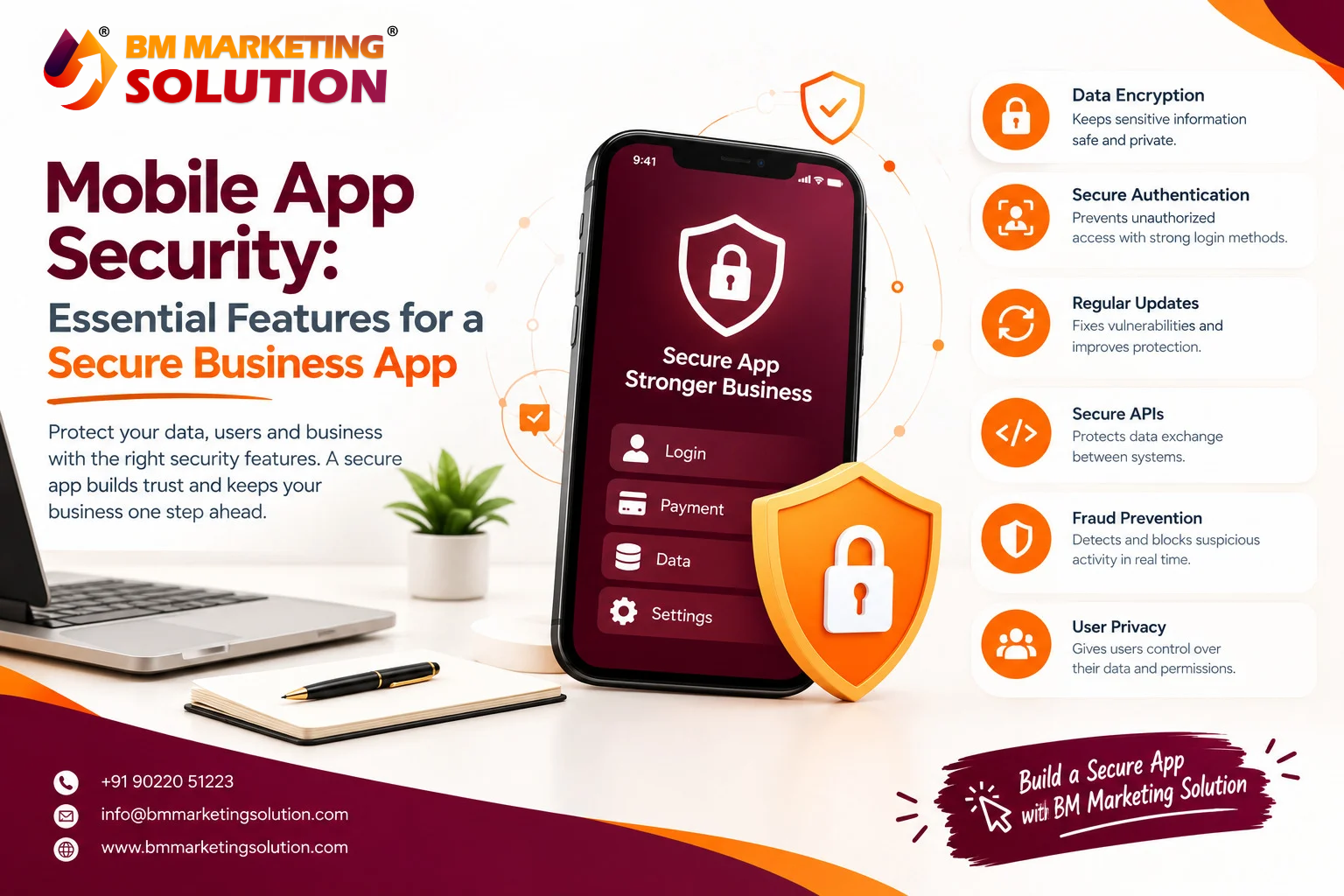
Think about everything your business app stores: customer details, payment data, and confidential company information. A single weak spot is enough for an attacker to get in. That is why mobile app security can no longer be treated as an add-on. It is the base on which customer trust is built. Whether you run a small online store or a fast-growing enterprise, building security into your app from the very first day protects your reputation, your revenue, and your users. Let us look at the essential mobile app security features that every secure business app needs.
Passwords alone are no longer enough. Multifactor authentication (MFA) adds a second layer of proof, such as an OTP, a fingerprint, or face recognition.
Although a password is stolen, the attacker still cannot get in. Biometric login also makes life easier for users, so you improve security and convenience together.
Encryption turns readable data into unreadable code. Use strong standards like AES-256 for stored data and TLS for data in transit.
If someone intercepts the information, they will see only scrambled text. This is especially important for payments, chats, and personal records.
Most mobile apps rely on APIs to talk to servers, which makes them a favorite target for hackers. Protect them with token-based authentication, rate limiting, and strict input validation.
Never expose more data than the app actually needs. A well-guarded API closes one of the biggest doors into your system.
Avoid saving sensitive information, such as passwords or card numbers, directly on the device. When storage is necessary, use secure options like the Android Keystone or the iOS Keychain.
Attackers often reverse-engineer apps to find weaknesses. Code obfuscation makes your source code very hard to read and understand. Combine it with root and jailbreak detection, so the app can warn or restrict access when it runs on a compromised device.
Set automatic timeouts, log users out after long inactivity, and expire tokens regularly. If a phone is left unlocked, short sessions keep unauthorized people from reaching business data.
Security is not a one-time job. New threats appear every week, so run penetration tests and vulnerability scans before launch and at regular intervals afterward.
Release timely updates to patch bugs, and keep third-party libraries current, since outdated components are a common source of breaches.
Depending on your market, your app may need to follow rules such as GDPR or India’s Digital Personal Data Protection Act. Collect only the data you need, ask for clear consent, and give users control over their information. Compliance helps you avoid penalties and shows customers you take their privacy seriously.
A secure business app is never built by chance. It takes thoughtful planning, the right security features, and continuous care after launch. Strong authentication, encryption, protected APIs, safe data storage, code protection, smart session control, regular testing, and legal compliance all work together to keep your data and your customers protected. Investing in mobile app security today will save you far more than it would cost to repair the damage of a breach tomorrow.
BM Marketing Solution
Website: https://bmmarketingsolution.com/
Phone: +91 90220 51223
Email: info@bmmarketingsolution.com
Ans : The most common threats include data theft, malware, phishing attacks, insecure APIs, and weak passwords. Apps that skip regular updates or store sensitive data on the device are also easy targets. Knowing these risks helps you build the right defences from the start.
Ans : MFA asks users to verify their identity in more than one way, such as a password plus an OTP or fingerprint. Yes, any app that handles personal, financial, or business data should use it. It blocks most unauthorised logins, even when a password is stolen.
Ans : Yes. Depending on where your users are, you may need to follow laws like GDPR or India’s Digital Personal Data Protection Act. These laws require clear consent, limited data collection, and proper protection of user information. Following them helps you avoid penalties and builds customer confidence.
Ans : Use features like biometric or PIN login, automatic session timeouts, and encrypted local storage. You can also add remote logout or data wipe options for business accounts. These steps keep your data safe even when the device is out of the owner’s hands.

SEO & Digital Marketing Executive
With 1.5+ years of experience in SEO, WordPress and digital marketing, I focus on creating informative and SEO-friendly content that helps businesses grow online. I believe in writing clear, practical and easy-to-understand articles that provide real value to readers.

BM Marketing Solution - Building Brands That Stand Out Online
Address: Office no. G610, 5th Floor, Mega Center, Pune - Solapur Rd, Magarpatta, North Hadapsar, Hadapsar, Pune, Maharashtra 411013.
Phone : +91 90220 51223
Email: info@bmmarketingsolution.com
Copyright © 2025 BM Marketing Solution All Rights Reserved