
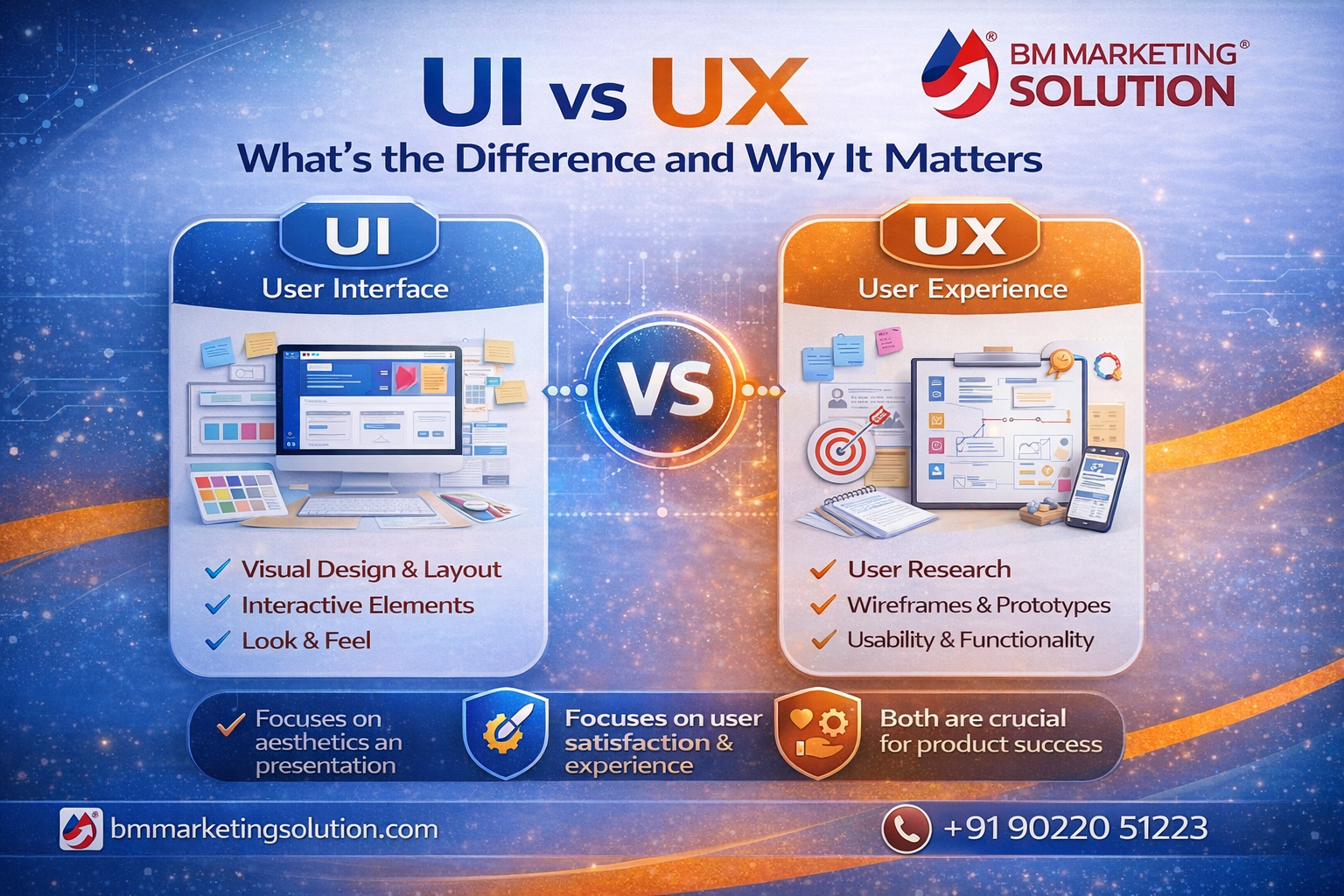
In today’s fast-paced digital landscape, having a website or app that simply looks good is no longer enough. In fact, users now expect seamless, intuitive, and enjoyable experiences at every step. This is where UI (User Interface) and UX (User Experience) design make all the difference. However, these terms are often confused, even though they play very different roles in shaping a successful digital product.
If you’re looking for UI vs UX design explained for beginners, it’s important to understand how both elements work together. Not only does UI focus on the visual appeal, but UX ensures a smooth and satisfying user journey. Therefore, understanding the true difference between UI and UX is crucial for building platforms that not only attract users but also keep them engaged. Whether you are a business owner, marketer, or designer, mastering this balance can significantly improve your results and overall user satisfaction.
UI, or User Interface, refers to the visual elements of a website or application. It includes everything users interact with directly, such as buttons, icons, colors, typography, and layout.
In simple words, UI is all about how your product looks.
For example, when you visit a website, the design, color combination, navigation menu, and clickable buttons are all part of UI. A well-designed UI makes your website visually appealing and easy to interact with.
A strong UI design helps grab attention and creates a positive first impression.
UX, or User Experience, focuses on the overall experience a user has while interacting with a product. It is not just about visuals it’s about how easy, smooth, and satisfying the journey is.
In simple terms, UX is about how your product feels.
UX design involves research, user behavior analysis, and creating a logical flow that helps users achieve their goals effortlessly. It considers usability, accessibility, and performance.
A good UX ensures that users can navigate your website easily and complete actions without confusion.
Although UI and UX work closely together, they serve different purposes.
| Feature | UI (User Interface) | UX (User Experience) |
|---|---|---|
| Focus | Visual design | Overall experience |
| Goal | Attractive interface | Smooth usability |
| Includes | Colors, buttons, layout | User journey, flow, logic |
| Role | How it looks | How it works |
| Approach | Design-oriented | Research-oriented |
To put it simply:
UI attracts users
UX retains users
Both are essential for a successful product.
UI and UX are not separate they complement each other. You cannot create a great product by focusing on just one.
Imagine a website with a beautiful design but confusing navigation. Users will leave quickly. On the other hand, a simple-looking website with excellent usability can still perform well.
A successful digital product needs :
Together, they create a seamless user journey that leads to higher engagement and conversions.
Investing in UI/UX design is not just about design it directly impacts your business growth.
A clean UI and smooth UX keep users engaged and encourage them to explore more.
When users find it easy to navigate and take action, conversions increase.
A professional design builds trust and credibility.
Good UX ensures users stay longer on your website.
In a crowded market, great design sets you apart from competitors.
If you want to create a powerful digital presence, investing in professional UI/UX design services is a smart move. You can explore expert solution here :
https://bmmarketingsolution.com/ux-ui-design/
Real-Life Example :
Think about popular apps like food delivery or e-commerce platforms.
UI: Attractive images, clean layout, easy-to-click buttons.
UX: Quick checkout, smooth navigation, fast loading.
If either of these is poor, users will switch to another platform instantly.
UI and UX are both critical components of digital design, but they serve very different purposes. While UI focuses on visual appeal and aesthetics, UX is all about functionality and overall user satisfaction. In other words, one attracts users, and the other keeps them engaged.
To build a successful website or app, however, you need the perfect balance of both. A visually stunning interface without usability can frustrate users, whereas a highly functional product without visual appeal may struggle to capture attention. Therefore, combining strong UI and UX design is the key to creating a seamless and engaging digital experience.
If you’re exploring UI vs UX design explained for beginners, it becomes clear that both elements are essential for online success. Ultimately, if you want your business to grow in today’s competitive digital world, implementing effective UI/UX design is no longer optional it’s absolutely essential.

BM Marketing Solution - Building Brands That Stand Out Online
Address: Office no. G610, 5th Floor, Mega Center, Pune - Solapur Rd, Magarpatta, North Hadapsar, Hadapsar, Pune, Maharashtra 411013.
Phone : +91 90220 51223
Email: info@bmmarketingsolution.com
Copyright © 2025 BM Marketing Solution All Rights Reserved